

Featured Extensions
2026-09-24
2026-09-23
2026-09-23
2026-09-22

 Sociable 3.3.4JReviews 6.7.1JSitemap Pro 4.32.1Quix Pagebuilder 6.4Academy LMS Pro 4.1

 Overview

 Joomla ExtensionsAccess & SecurityAdministrationAds & AffiliatesAuthoring & ContentCalendars & EventsClients & Communitieschats and ForumsContacts & FeedbackContent SharingCore EnhancementsDirectory & DocumentationStyle & DesignSite Managemente-CommerceEditorsFinancialHosting & ServersLanguagesLivingMaps & WeatherMarketingMigration & ConversionMiscellaneousSearch & IndexingMobileMultimediaStructure & NavigationNews DisplayBooking & ReservationsReal Estate and jobsPhotos & SlideshowSocial WebExtension SpecificSports & GamesToolsNewsletterSeo & metadataContent ConstructionformsPopups & iFramesBackupHelp Desk And SupportpollsData Import & ExportTable and listLogin/RegisterMenu SystemsUser & ProfileportfolioTabsRss FeedDatabase Managementdate and timePayments Site Analyticsjoomshoppingk2 extensionsAltaUserPointsVirtueMartHikaShopj2storeDJClassifieds Digicom ExtensionsJoomla TemplatessmartaddonsjoomshaperJoomDev templatesLthemeOrdaSoft Templatesinspirethemevinagecko templatesthemeforestyoothemeShape5Template monsterJoomlashine(JSN) TemplatesRsjoomlaRocket ThemeHOTthemeswarpthemejoomlarthtml templateGavickProBowthemejoomla51bestaddonjoomlabuffJoomla MonsterCmsboldjoomdonationJoomlabambooThemexpertjoomlaplateExtensions for joomlastackideasNooTheme9themestoretemplazamixwebtemplatesagethemesDj-extensionsJoomLeadVirtuemart TemplatesMobile JoomlaUnitemplatesJoomlaschoolWordpress PluginsWP Admin ToolsWP AdvertisingWP BackupWP Popup And IframeWP Calendars & eventWP Coming SoonWP Directory & ListingsWP E-Mail & NewslettersWP FormsWP ForumsWP Photo & GalleriesWP Help Desk – Live ChatWP Import & ExportWP Interface ElementsWP LMSWP Maps & WeatherWP MultiMediaWP User & ProfileWP Menu DesignWP MarketingWP language and speechWP news DisplayWP Page BuilderWP PaymentWp Access & SecurityWP SEO & OptimizeWP sports and GamesWP SliderWP Social Media PluginsWP UtilitiesWP shopWP Login And Registerwp Booking & Reservations wp Search and FiltersEDD PluginsWP file and downloadswp contact & feedbackWP Table and listWP Style & DesignWooCommerce Pluginswordpress Themeswp Blog templateswp BuddyPress templateswp Business templateswp Corporate templateswp Creative templateswp Directory & Listings templateswp eCommerce templateswp Education templateswp Miscellaneous templateswp Mobile templateswp Multi Vendor templateswp Multipurpose templateswp Newspaper – Magazine templateswpReal Estate templateswp Technology templateswp Restaurant templatesMagento ExtensionsPrestashop modulesPrestashop TemplatesSoftwaresLearningother ScriptsMobileApp And Source CodesWeb design & Graphics ToolsFree Downloadfontsshopify TemplatesAI Tools PWT Image
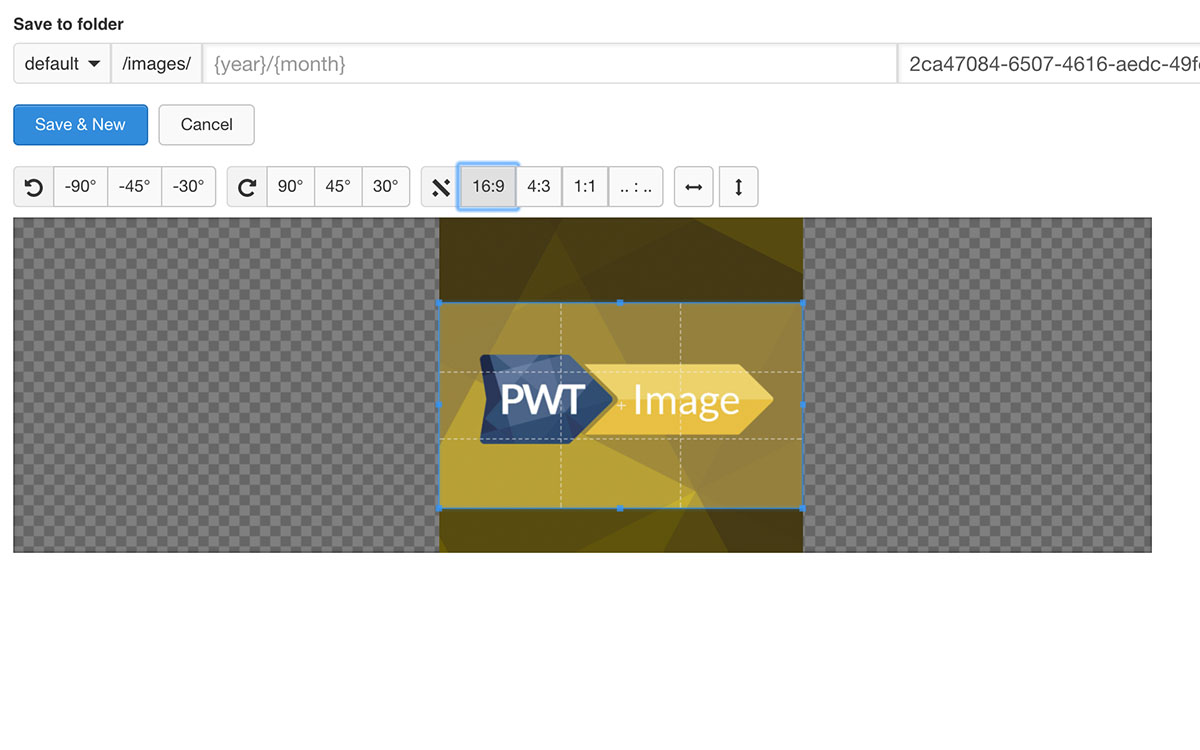
PWT Image allows the editor to crop an image from within the article. No need to go to a media manager first. By using the preset aspect ratios images can be added in the same sizes and ratio for all articles. Images will be resized to the dimensions configured.
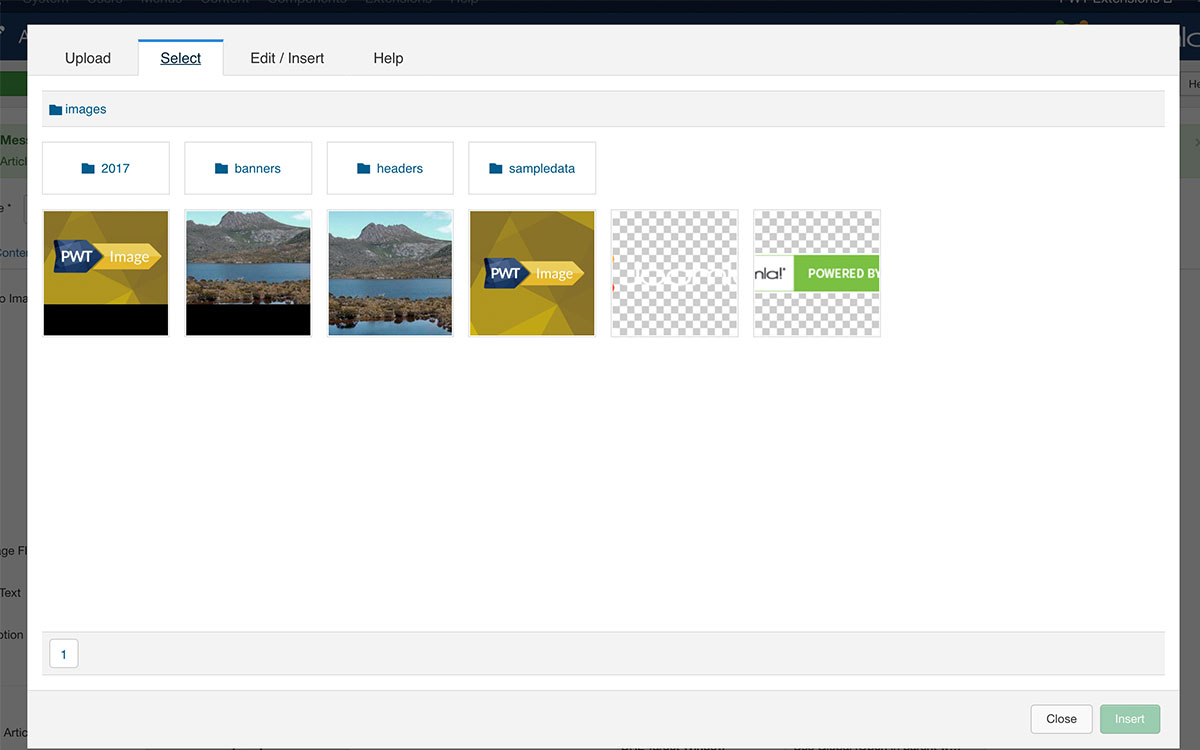
The user can choose to select an image from their computer or use the existing images on the server, if allowed to access the image folders.
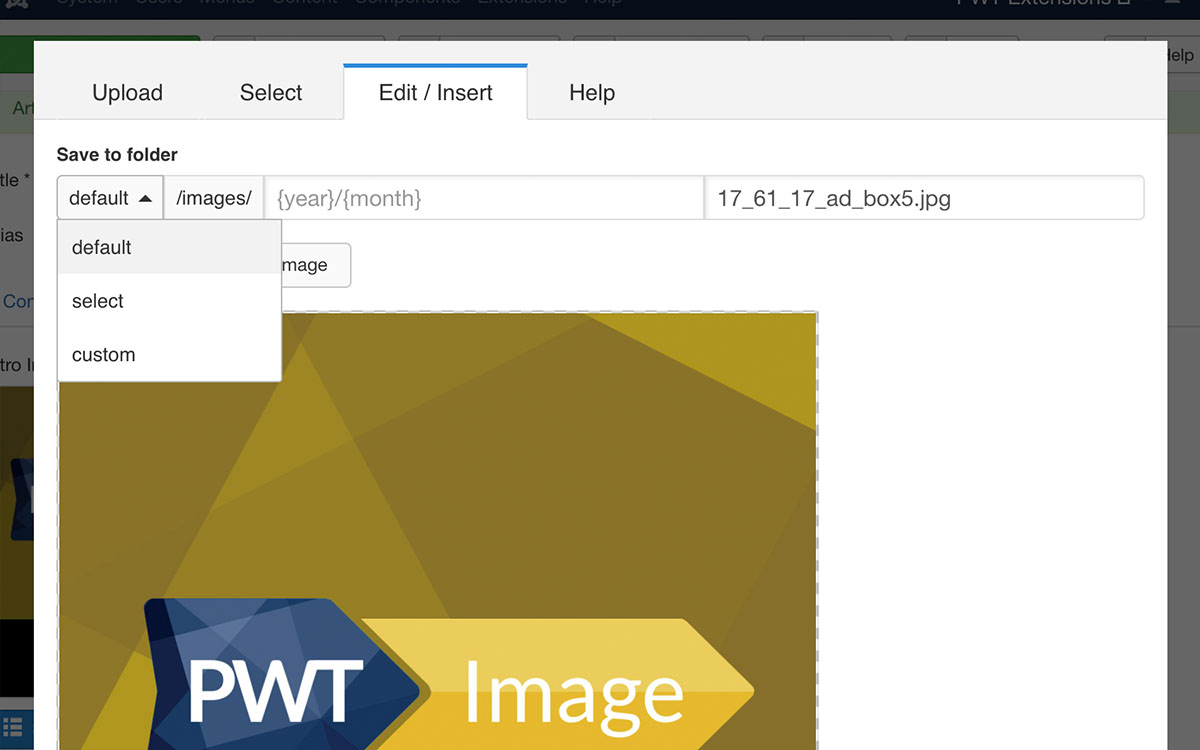
With PWT Image you can configure the default folder an image should be uploaded to, that could also contain a year and month as variables. This helps you to keep your images folder being organised.
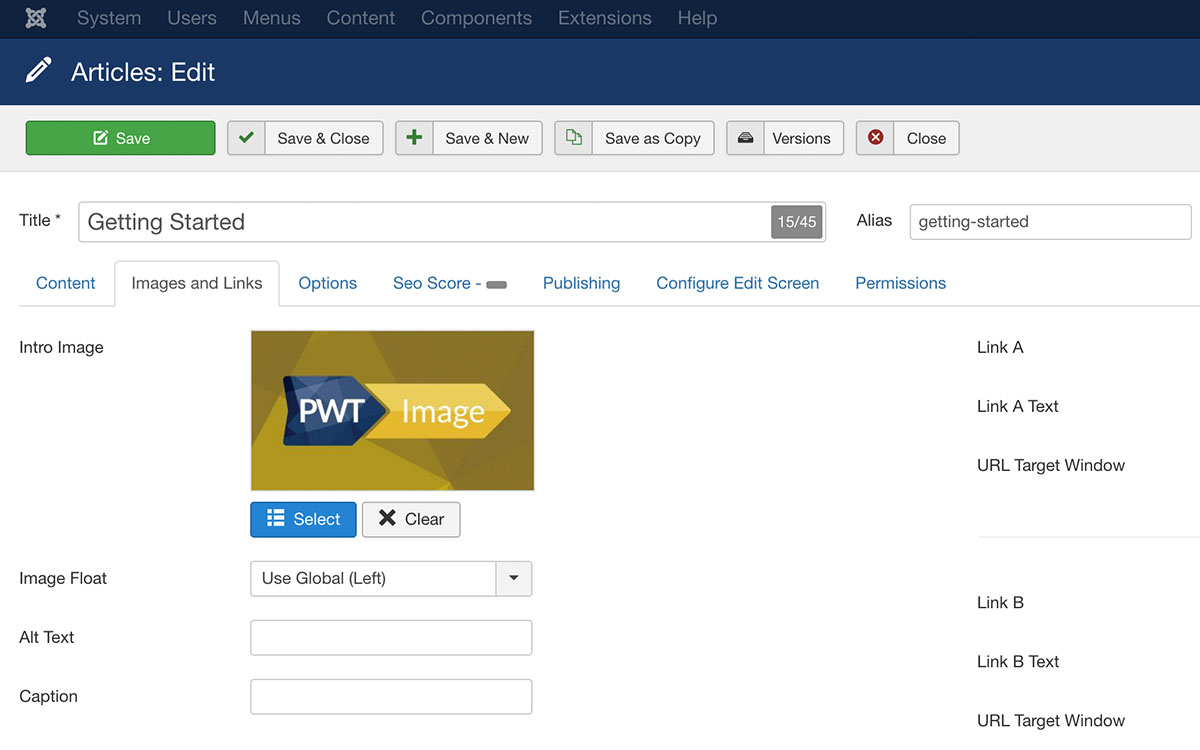
PWT Image feels like a native Joomla solution. It will replace the current image selectors with PWT Image, for a quick & user-friendly expierence of working with images.
