





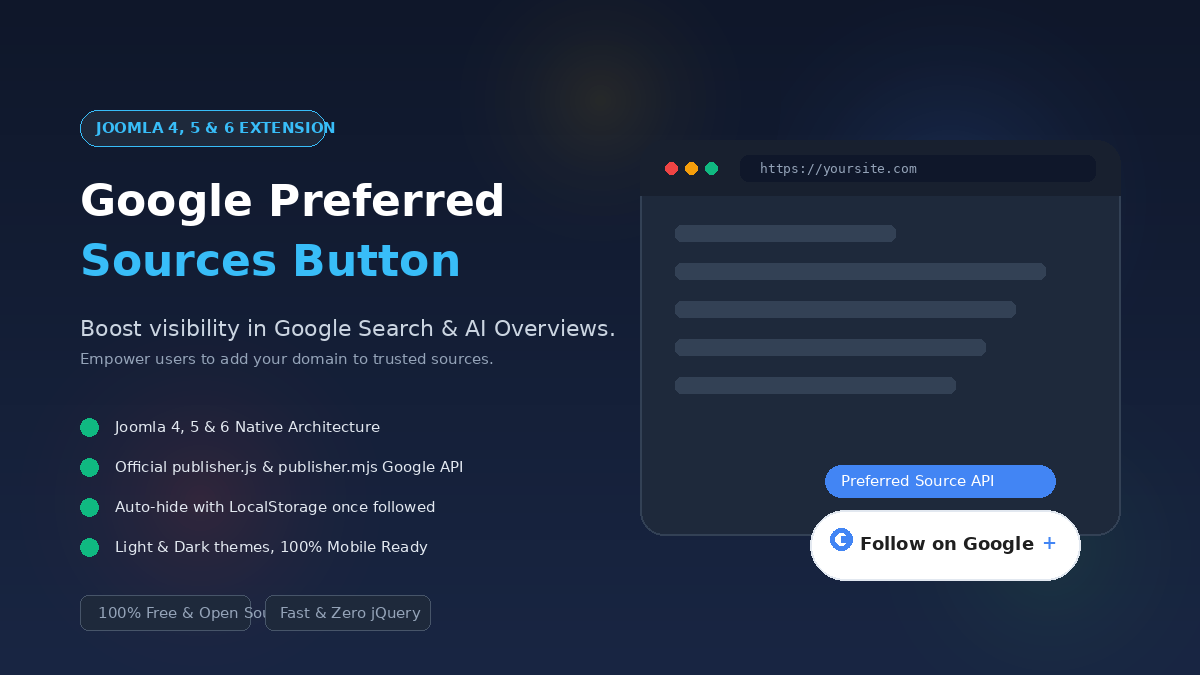
Google Preferred Sources for Joomla (Working on Joomla 4, 5 & 6)
**This extension was exclusively developed by Joompaid.com and is currently running on our own website.**
Boost your organic search footprint and establish authoritative trust in Google Search and AI Overviews. **Google Preferred Sources for Joomla** is a lightweight, high-performance system plugin that enables visitors to follow your website and set it as a preferred source in Google Search with a single click.
 joompaid
 2026-09-22


Instantly visualize and improve your content's SEO status with our powerful SEO Status Check plugin for Joomla 5.

Deliver the right 404 error page in the right language. With Multilingual 404 Page Selector, you can assign a custom error page for every language on your Joomla! site, ensuring visitors always see localized content, even on broken links.

SEO that works with Joomla not against it. Enhance structured data with 149 additional schema types. Bring structured data to all your extensions with menu based Schema.org.

Guide visitors to individual landing pages using query parameters. With the Flex Redirect plugin, you can redirect users based on URL parameters - for example, from advertising campaigns, booking routes, or external tools.

4Analytics is a state-of-the art Joomla extension that provides you with fully private analytics out of the box.
It replaces Google Analytics, Matomo, Plausible, Fathom Analytics, Umami or Simple Analytics.

Cookie consent refers to the provision to obtain a website visitor’s consent for dropping cookies on their browser. It is a legal requirement under privacy laws such as the GDPR in the EU and UK, LGPD Brazil, POPIA South Africa and many data privacy laws across the world.

Enhance your website's performance and SEO with premium page optimization engine. Boost your PageSpeed Insights score and Core Web Vitals metrics (FCP, LCP, SI, CLS, TBT) by optimizing your site with minified CSS and JavaScript, reducing server response time, eliminating render-blocking resources, and more!

You can choose between two different view types: Menu and Dropdown List. If you select the view Dropdown List, then you should use the position status for the module. If you select Menu, then you should publish the module on the position menu and QCC will create a new menu entry automatically.
