
Featured Extensions
2026-09-24
2026-09-23
2026-09-23
2026-09-22

 JSpeed 3.2.10Community Surveys 8.6.1TAGZ Open Graph Pro 6.0.4HikaAuction 6.0.8CjForum 6.6joomla Calc Builder 6.0.2Mosets Tree 4.1.6Quick Index PRO 5.1CartFlows Pro 3.3.1Astra Pro Addon 4.13.13Smart Manager Pro 9.0.0

 Overview

 Joomla ExtensionsAccess & SecurityAdministrationAds & AffiliatesAuthoring & ContentCalendars & EventsClients & Communitieschats and ForumsContacts & FeedbackContent SharingCore EnhancementsDirectory & DocumentationStyle & DesignSite Managemente-CommerceEditorsFinancialHosting & ServersLanguagesLivingMaps & WeatherMarketingMigration & ConversionMiscellaneousSearch & IndexingMobileMultimediaStructure & NavigationNews DisplayBooking & ReservationsReal Estate and jobsPhotos & SlideshowSocial WebExtension SpecificSports & GamesToolsNewsletterSeo & metadataContent ConstructionformsPopups & iFramesBackupHelp Desk And SupportpollsData Import & ExportTable and listLogin/RegisterMenu SystemsUser & ProfileportfolioTabsRss FeedDatabase Managementdate and timePayments Site Analyticsjoomshoppingk2 extensionsAltaUserPointsVirtueMartHikaShopj2storeDJClassifieds Digicom ExtensionsJoomla TemplatessmartaddonsjoomshaperJoomDev templatesLthemeOrdaSoft Templatesinspirethemevinagecko templatesthemeforestyoothemeShape5Template monsterJoomlashine(JSN) TemplatesRsjoomlaRocket ThemeHOTthemeswarpthemejoomlarthtml templateGavickProBowthemejoomla51bestaddonjoomlabuffJoomla MonsterCmsboldjoomdonationJoomlabambooThemexpertjoomlaplateExtensions for joomlastackideasNooTheme9themestoretemplazamixwebtemplatesagethemesDj-extensionsJoomLeadVirtuemart TemplatesMobile JoomlaUnitemplatesJoomlaschoolWordpress PluginsWP Admin ToolsWP AdvertisingWP BackupWP Popup And IframeWP Calendars & eventWP Coming SoonWP Directory & ListingsWP E-Mail & NewslettersWP FormsWP ForumsWP Photo & GalleriesWP Help Desk – Live ChatWP Import & ExportWP Interface ElementsWP LMSWP Maps & WeatherWP MultiMediaWP User & ProfileWP Menu DesignWP MarketingWP language and speechWP news DisplayWP Page BuilderWP PaymentWp Access & SecurityWP SEO & OptimizeWP sports and GamesWP SliderWP Social Media PluginsWP UtilitiesWP shopWP Login And Registerwp Booking & Reservations wp Search and FiltersEDD PluginsWP file and downloadswp contact & feedbackWP Table and listWP Style & DesignWooCommerce Pluginswordpress Themeswp Blog templateswp BuddyPress templateswp Business templateswp Corporate templateswp Creative templateswp Directory & Listings templateswp eCommerce templateswp Education templateswp Miscellaneous templateswp Mobile templateswp Multi Vendor templateswp Multipurpose templateswp Newspaper – Magazine templateswpReal Estate templateswp Technology templateswp Restaurant templatesMagento ExtensionsPrestashop modulesPrestashop TemplatesSoftwaresLearningother ScriptsMobileApp And Source CodesWeb design & Graphics ToolsFree Downloadfontsshopify TemplatesAI Tools Sales by products and by customers report Module
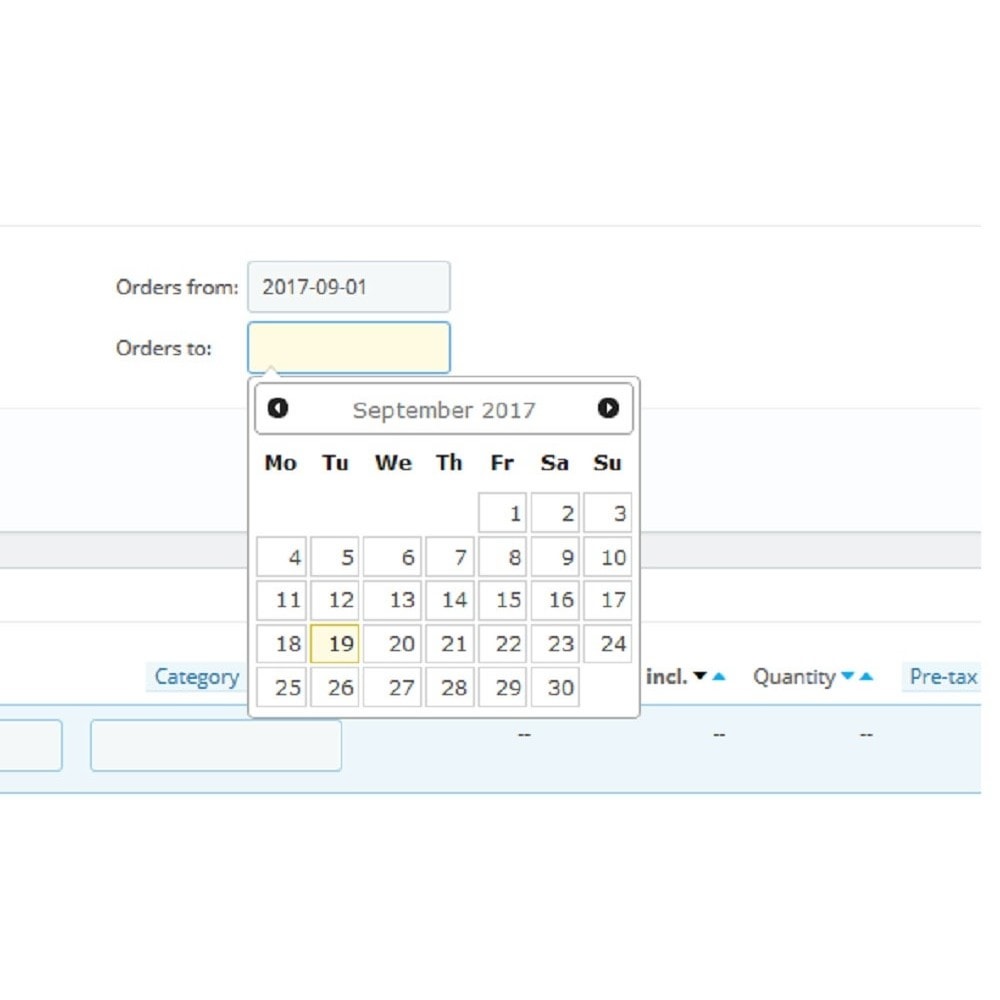
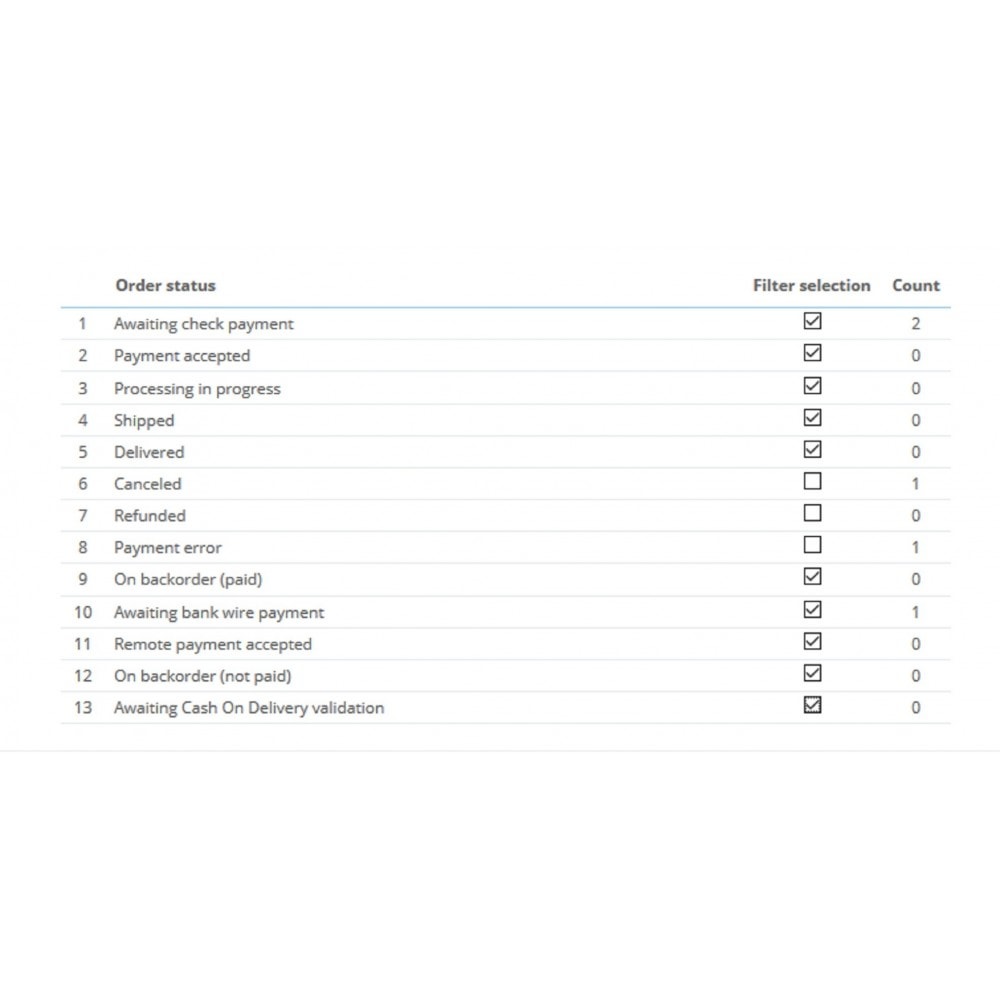
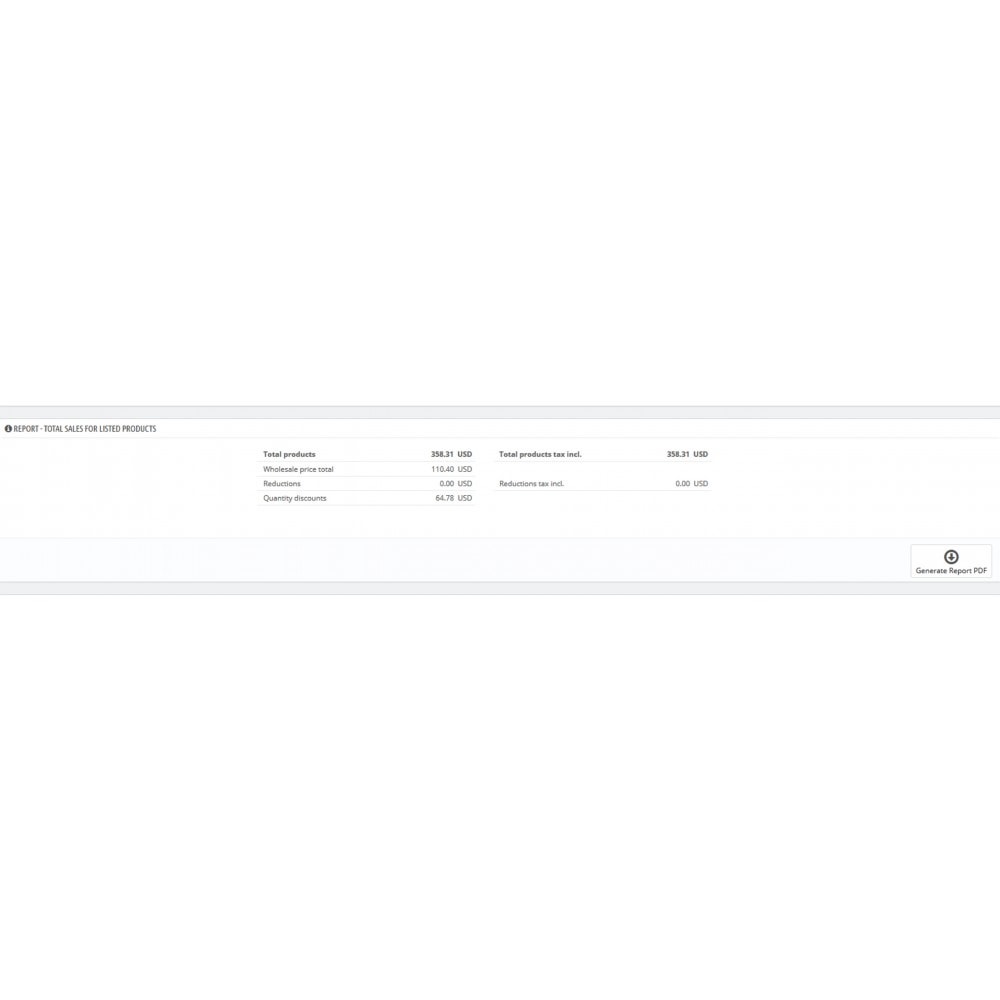
What this module does for you
Installation